Workspaces

The Command Center is workspace, not a chat. Everything grouped by project—no more scrolling through 100 chats.

The Command Center Layout

Four high-impact zones that eliminate the need for 10 browser tabs.

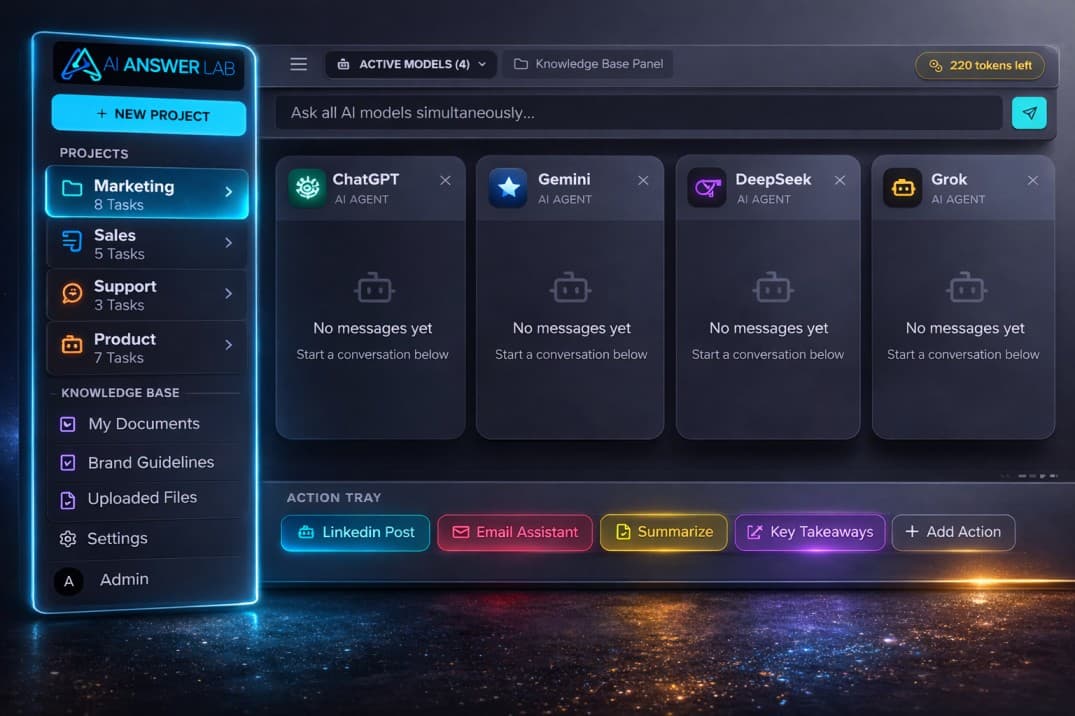
1. The Project Sidebar (Left)

Instead of a long list of individual chats, group everything by Project.

Manage users' workspaces and chats efficiently so they don't have to scroll through 100 conversations to find what they need. Keep everything organized within a single, consistent context.

Workspace folders and organization

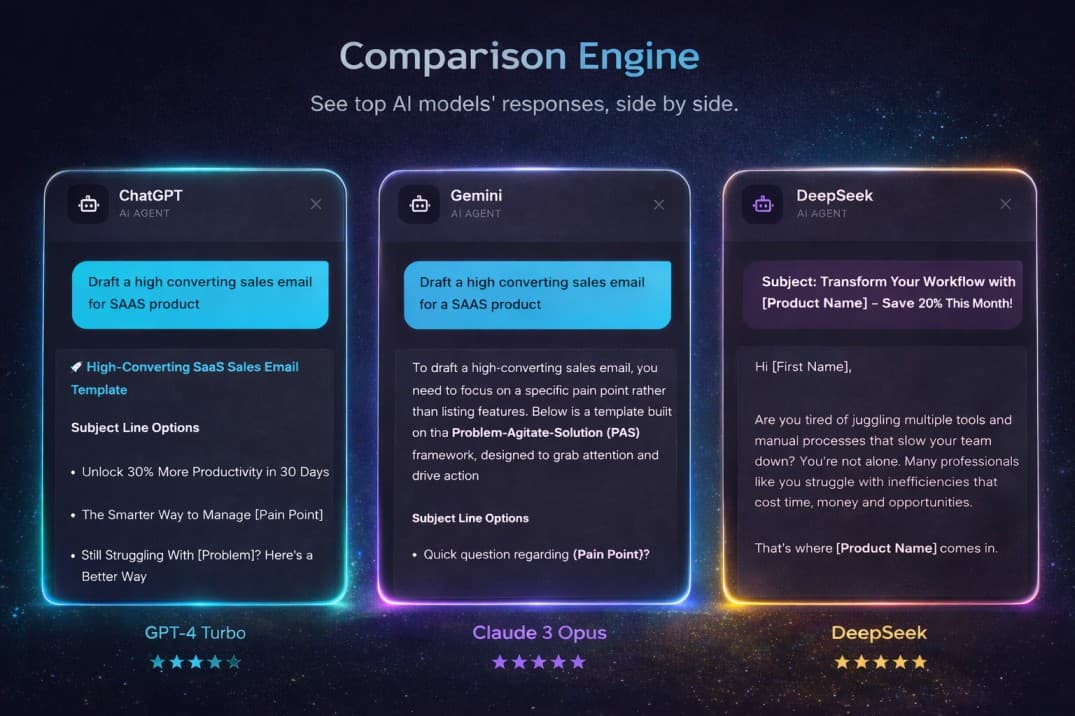
2. The Comparison Engine (Center-Wide)

Standard AIs give one answer. Ensemble offers "Parallel Mode."

Split-screen or multi-column view where 7 top AI models respond to the same prompt simultaneously. A "Best Version" selector lets you commit the best response to your document with one click. No more copy-paste-compare between different AI sites.

Dashboard and comparison view

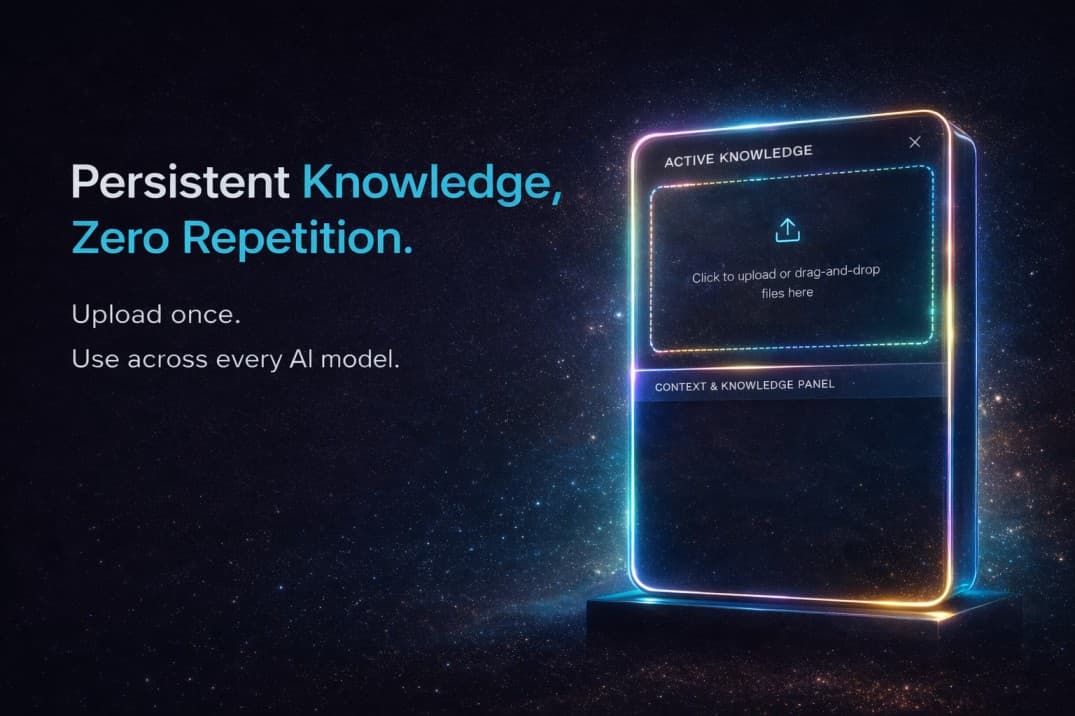
3. The Context & Knowledge Panel (Right)

A persistent tray that stays open while you chat.

Semi-transparent panel listing "Active Knowledge." Drag-and-drop zone: if you drag a 50-page PDF here, it becomes the "Brain" for the current chat session. No more "file too large" or re-uploading the same brief every morning.

Documents and knowledge base

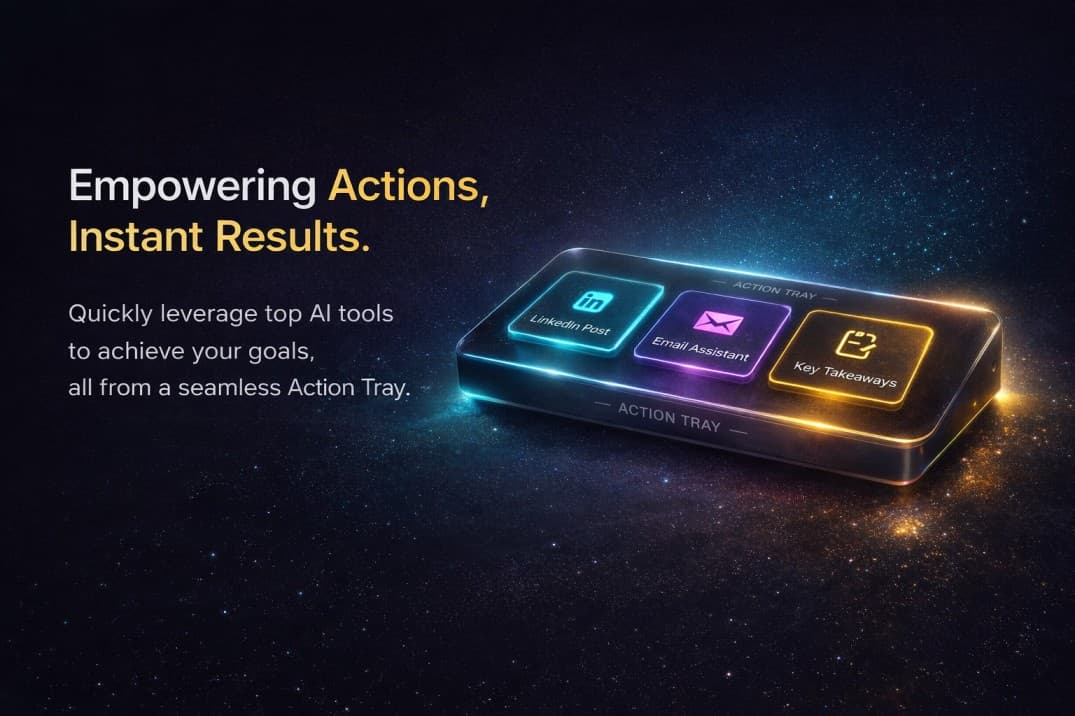
4. The Action Tray (Bottom / Floating)

A "Command Bar" (like Spotlight on Mac or Raycast).

Pre-built Workflow Macros—e.g. a button "Repurpose for LinkedIn" that takes the last AI response and formats it with emojis and hashtags. Turns a 10-minute formatting chore into a 2-second click.

Quick actions and workflow

Agentic Shortcuts: Task Gallery

Instead of just "Chat," have a Task Gallery.

One-click "Blog Post" or "Email Inbox Triage." You click a button, Ensemble asks for a URL, then: (1) Reads the URL, (2) Summarizes with DeepSeek, (3) Drafts email with GPT, (4) Can generate thumbnail with Flux/Midjourney. This used to take 45 minutes of manual labor. Now 45 seconds of AI coordination.

Smart Workspaces: Project-Based Context

Create a Workspace for a specific client (e.g. "Solar Co. Marketing"). Upload the brand guide, previous successful emails, and product list once. Every prompt you enter automatically uses that context—no more writing "Act as a marketing expert for a solar company..." again.

Time Save: 1 hour/week by never re-explaining your context.